
Current Config Structure
This section gives some background on the current config structure and the new
JSON Schema config structure. If you’d like to jump to migrating to the new
JSON Schema config structure, you can go straight to the Migrating to JSON
Schema section.
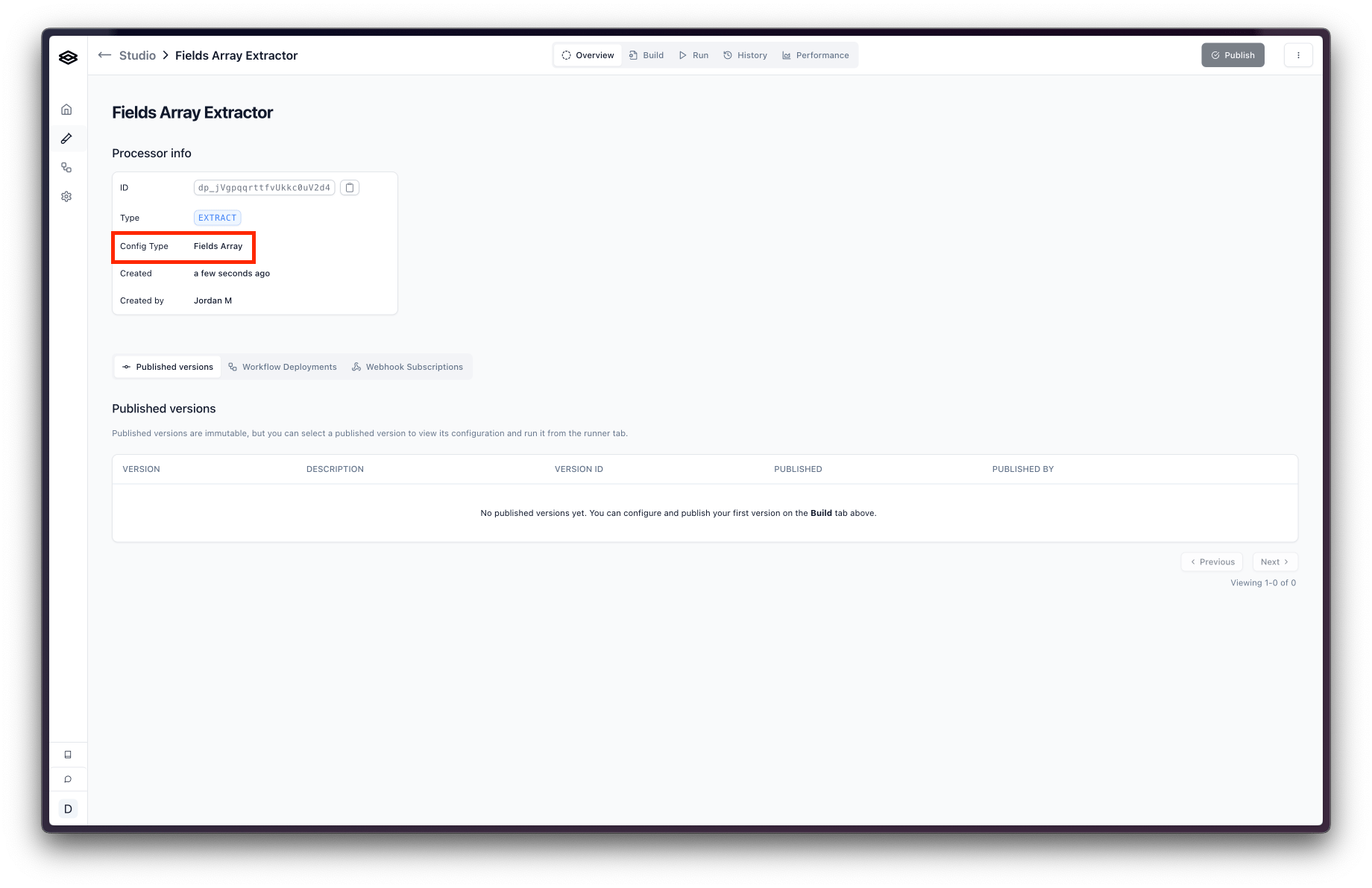
config object in processor has a fields array that contains the fields for the processor. Here is an example config object of this type:
New JSON Schema Config Structure
A JSON Schema config object equivalent of the above example is:fields array, we have a schema object. This object is a JSON Schema object that describes the shape of the output you will receive from the processor.
For more information on the JSON Schema config structure, please see the JSON Schema Config section of the API Reference.
Current Output Structure
The current output structure for Extraction processors is an object with the field names as keys and the values inside an object with the following properties:id: The unique identifier for the fieldtype: The type of the fieldvalue: The value of the fieldconfidence: The confidence score of the fieldinsights: The insights for the fieldreferences: The references for the field
confidence, insights, and references are nested inside each field’s object right next to the value. The benefit of this is it’s very easy to access the metadata for a specific field. The downside is that it doesn’t work very well for recursive fields like arrays and objects.
New JSON Schema Output Structure
The output structure for JSON Schema processors is composed of two properties:value and metadata.
The value object is the actual data extracted from the document which conforms to the JSON Schema defined in the processor config.
The metadata object holds details like confidence scores and citations for the extracted data. It uses keys that represent the path to the corresponding data within the value object. For instance, if your data has value.line_items[0].name, the metadata specifically for that name field will be found using the key ‘line_items[0].name’ within the metadata object. For more information on the metadata object, please see the Accessing Metadata section of the API Reference.
Below is an example of the output you will receive from a JSON Schema processor:
Migrating to JSON Schema
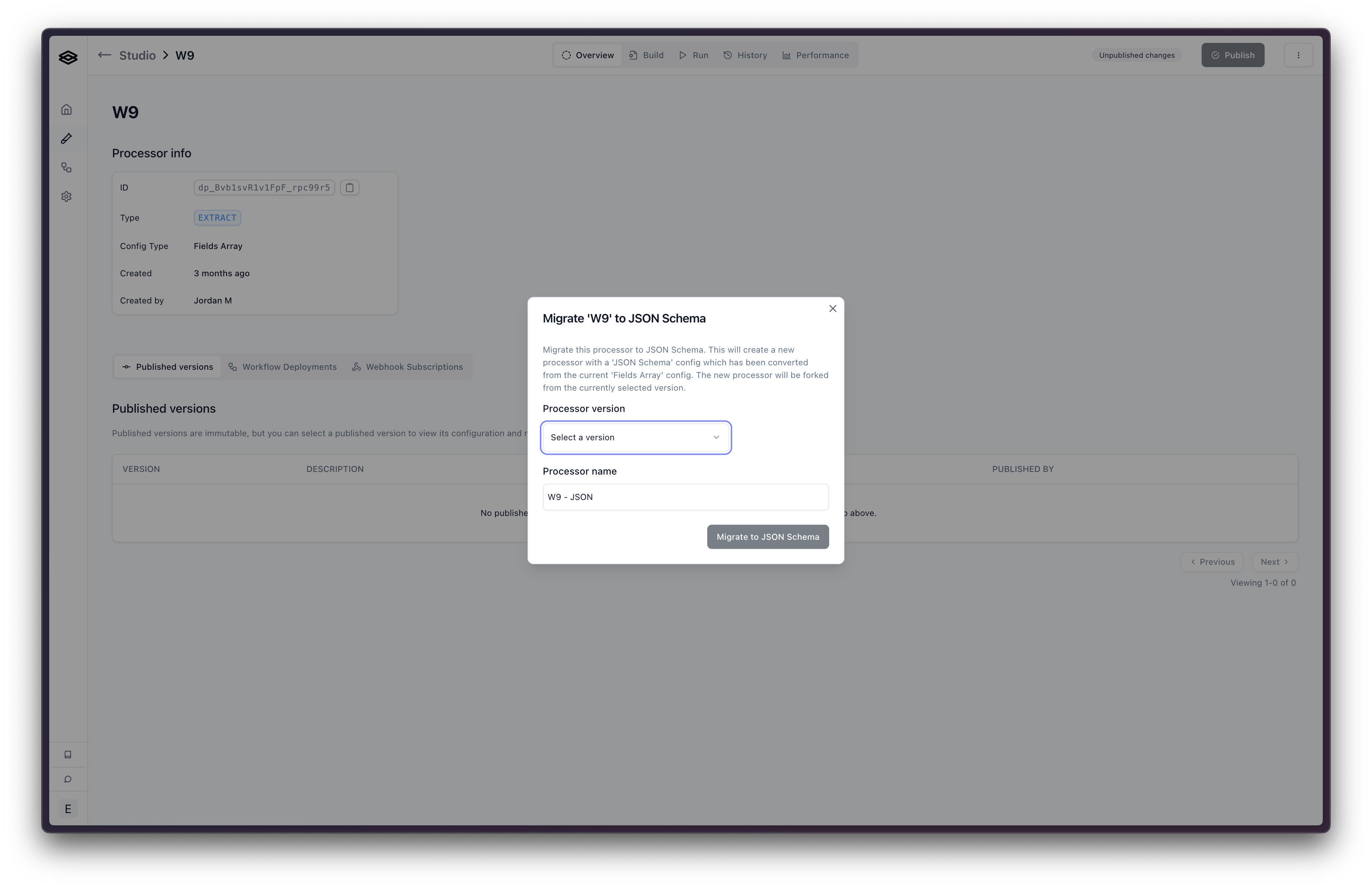
To migrate a processor from the legacy Fields Array config type to the JSON Schema config type, you will need to:- Go to the processor in Studio that you’d like to migrate.
- Click the button with the three vertical dots in the top right corner to open the settings menu.
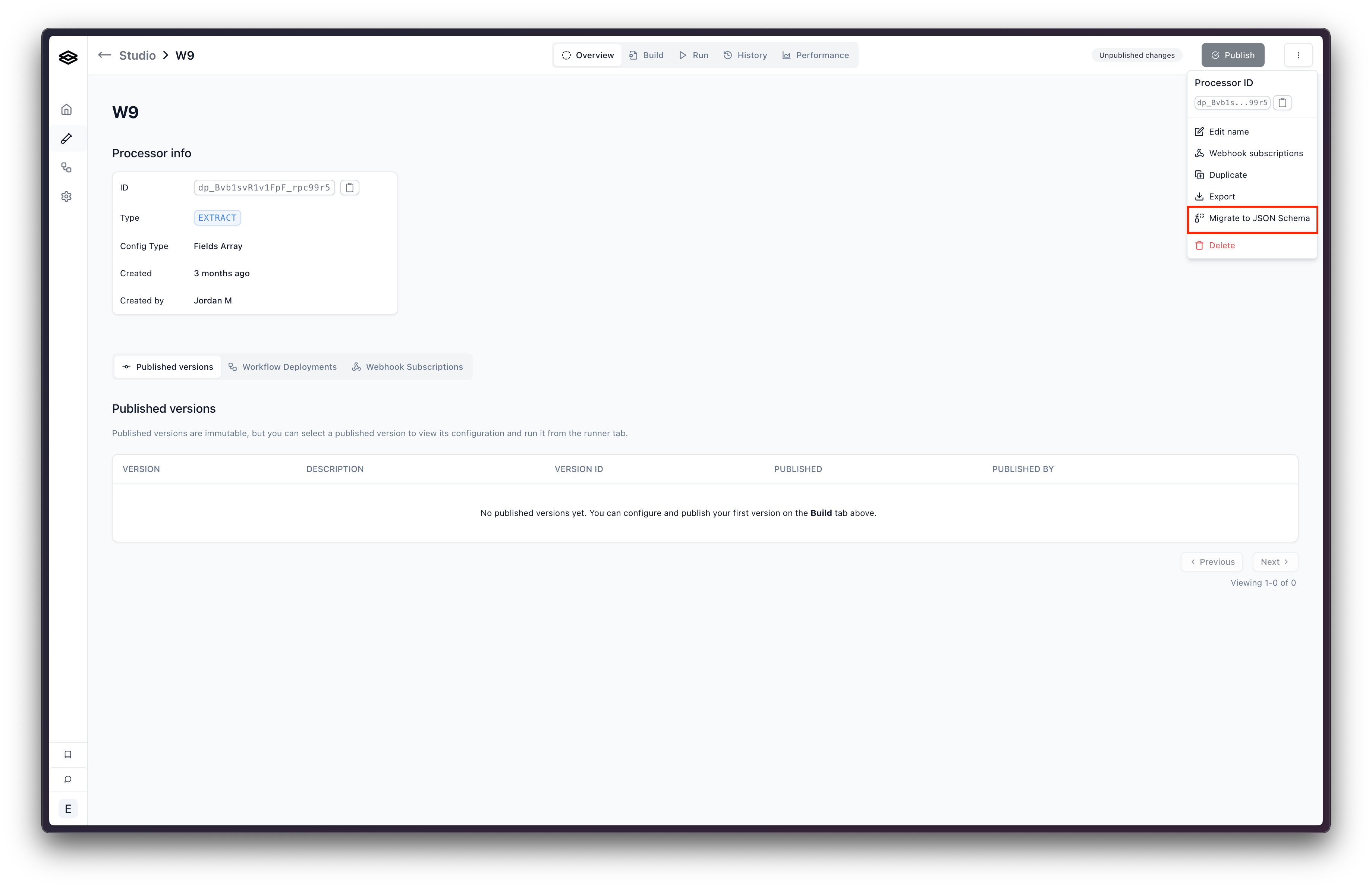
- Click “Migrate to JSON Schema”. This will open a modal where you can select the version and choose the name for the new processor. Click “Migrate to JSON Schema”. This will create a new processor with the fields array replaced with a JSON Schema config object.