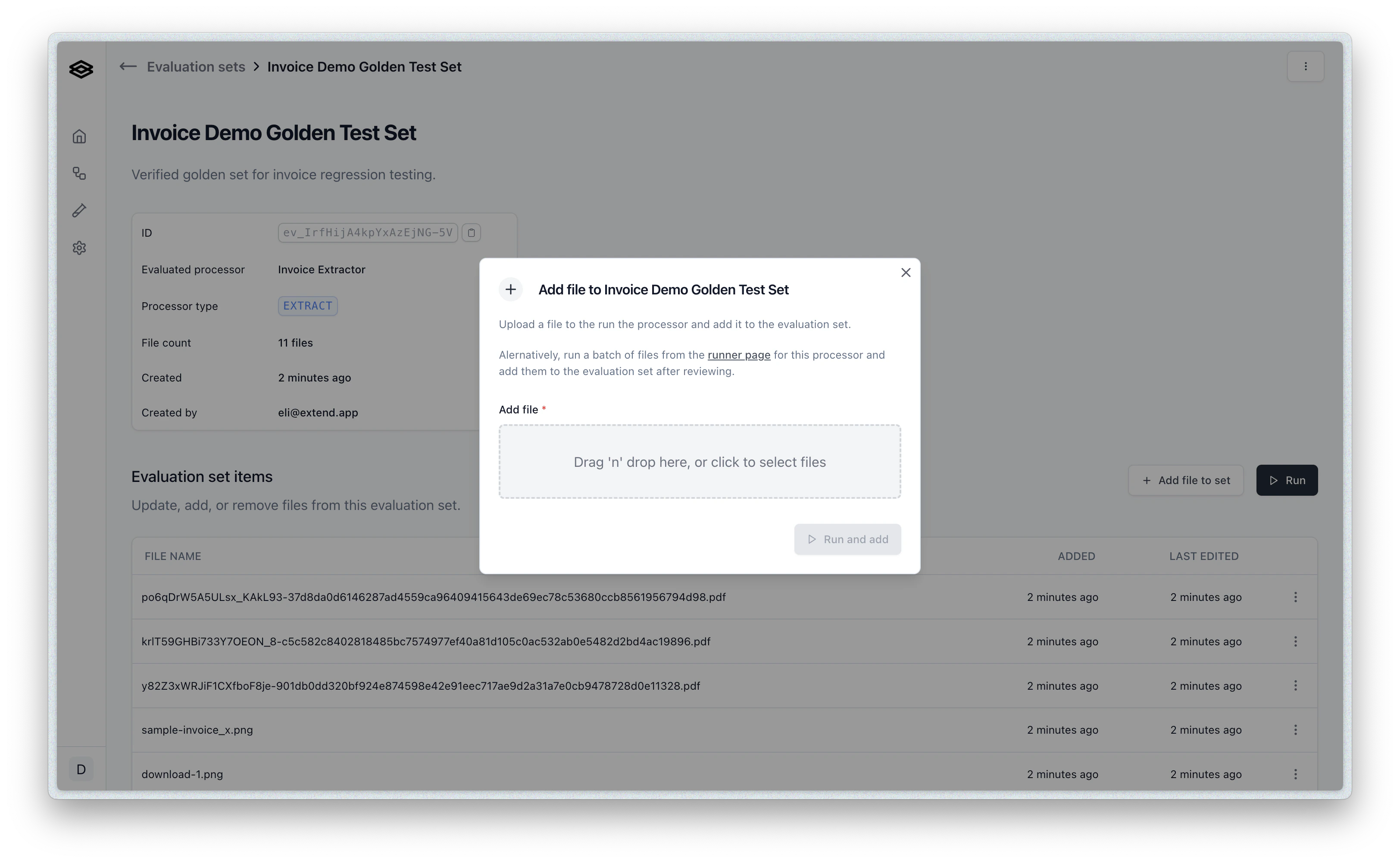

- Take an existing batch run of documents and their outputs and convert them into an evaluation set.
- Create a new evaluation set from scratch with no documents or outputs, then add and validate documents one by one or over time from new batches.
- Create using the API.
Method 1: Convert a Batch Run to an Evaluation Set
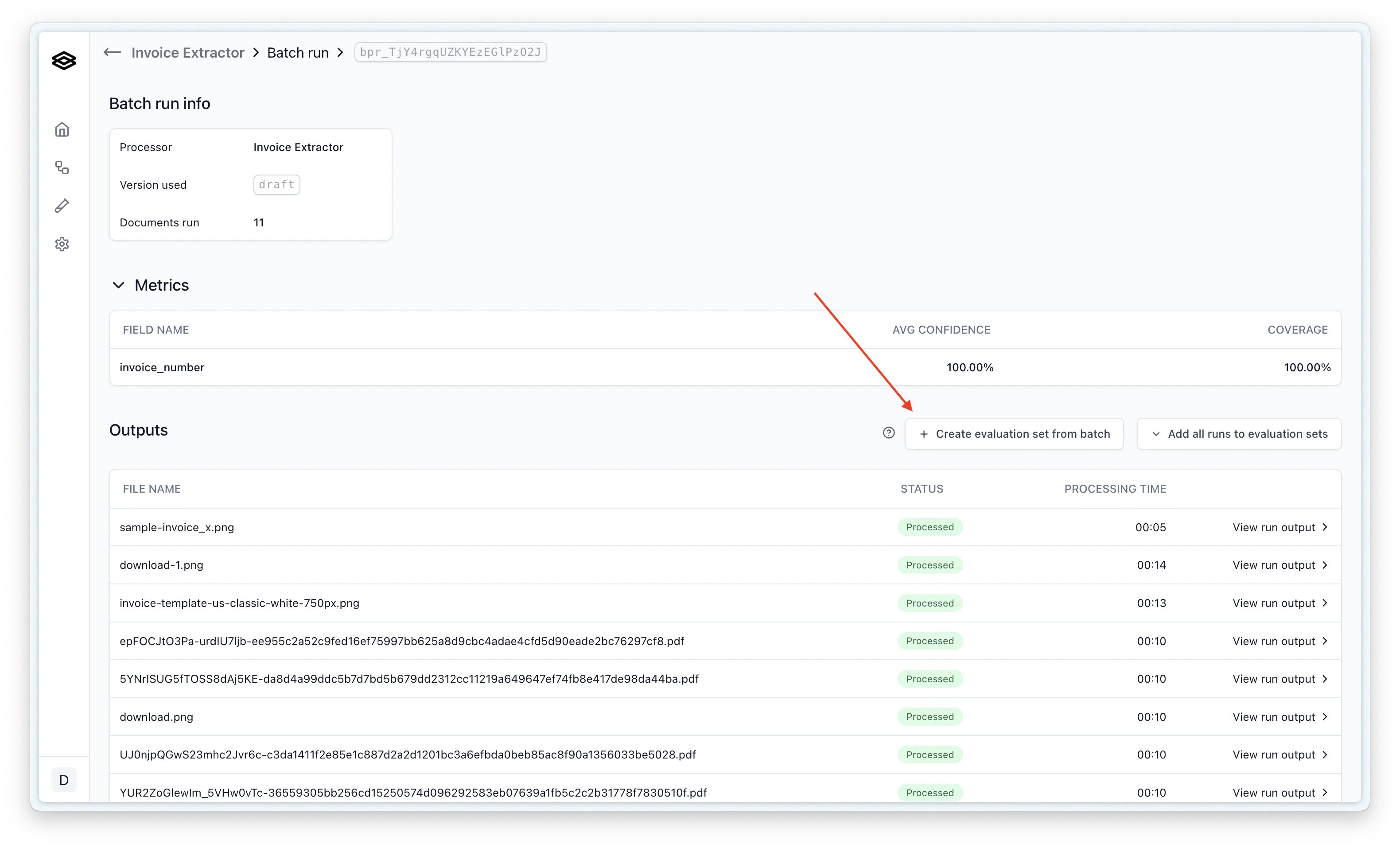
The most common way to create an evaluation set is by converting a batch run of reviewed outputs into a new evaluation set.- After running a batch of documents through your processor, review the results on the batch run page. Then click the “Create Evaluation Set” button at the top of the page.
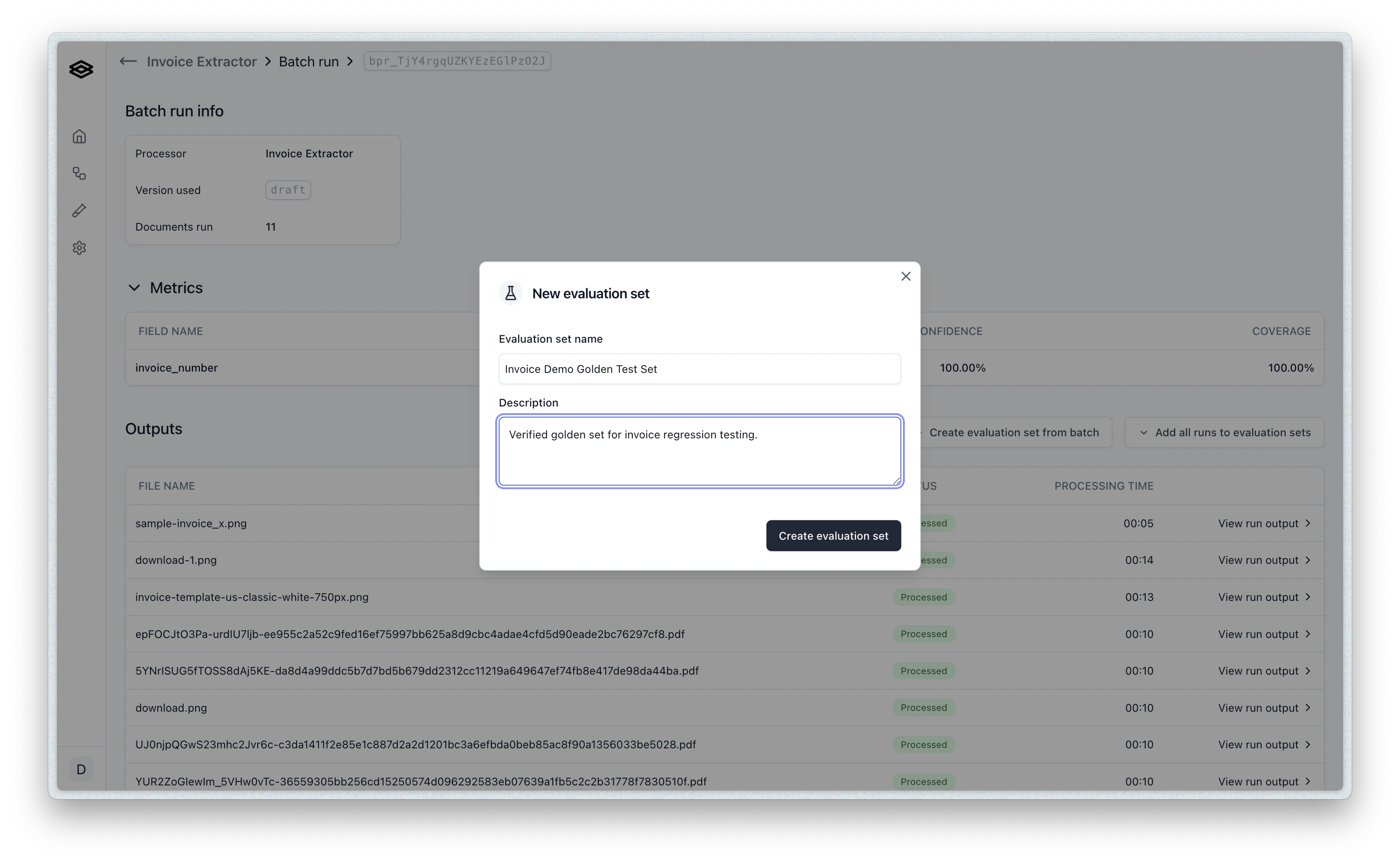
- You will be prompted to name and describe your evaluation set. Enter a name, description, and then click “Create Evaluation Set”. This will create a new evaluation set with the documents and outputs from the batch run.
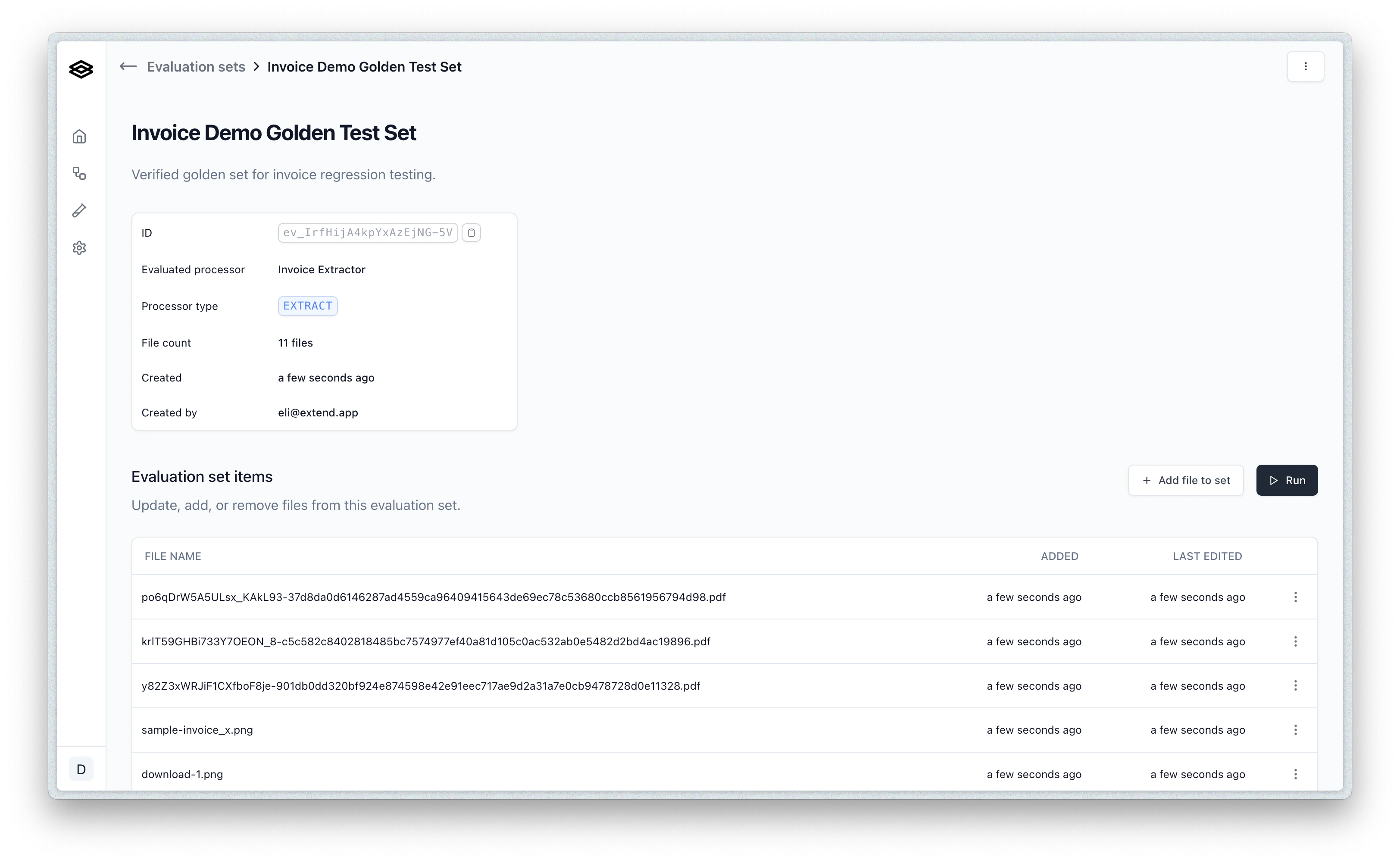
- You will then be redirected to the evaluation set page where you can view and manage the documents and outputs in the set.
Method 2: Create a New Evaluation Set from Scratch
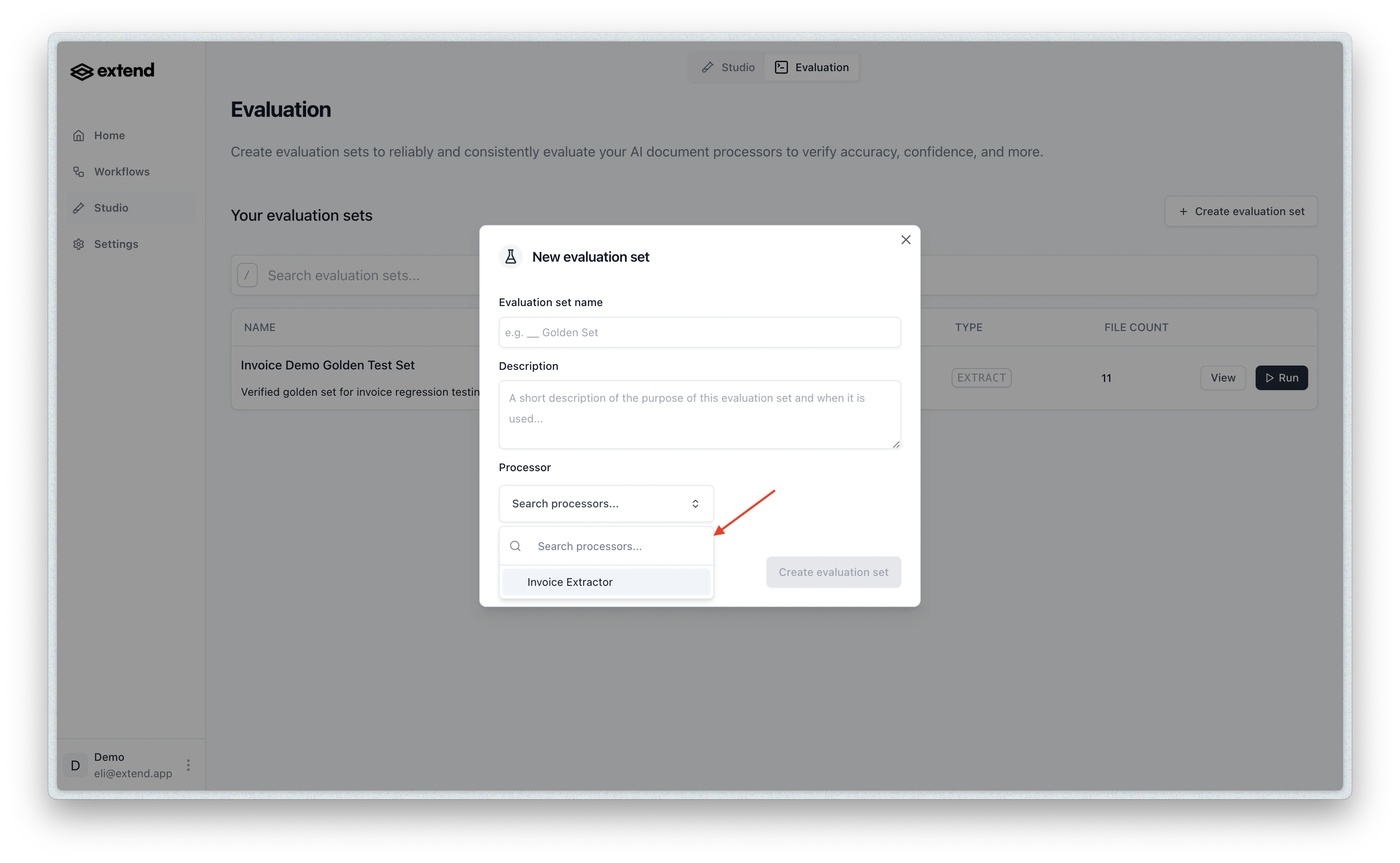
- From the home page of the Evaluation section in Extend, click the “Create Evaluation Set” button.

- You will be prompted to name and describe your evaluation set, as well as select a corresponding processor.
- You can then add documents to the evaluation set by clicking the “Add file” button. You will upload a document and then be prompted to validate the output once it is done processing (which might take several seconds).