
- Navigate to the runner page for the processor that has the evaluation set tied to it.
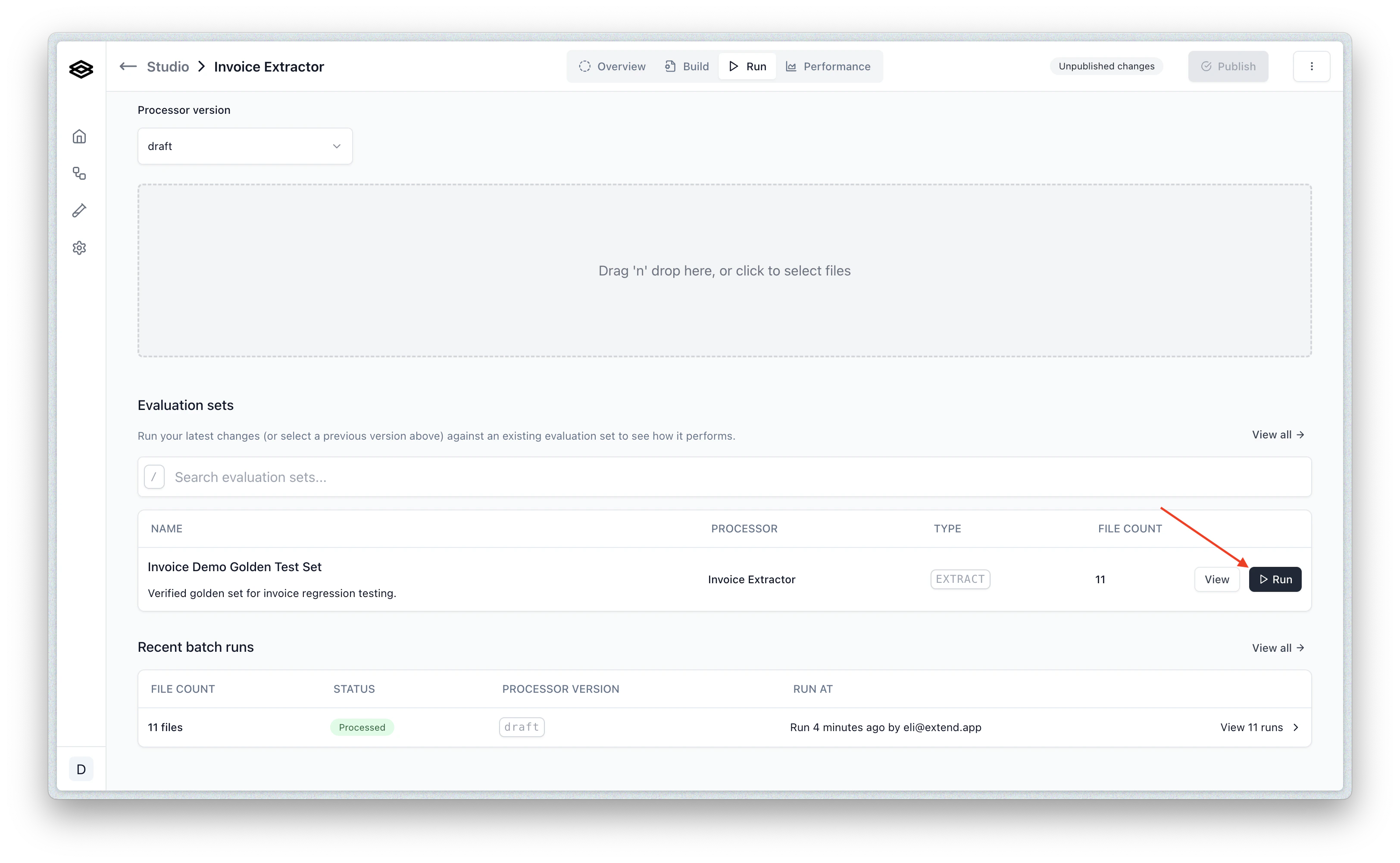
- Click the “Run” button on the evaluation set you want to run. This will open the run dialog.
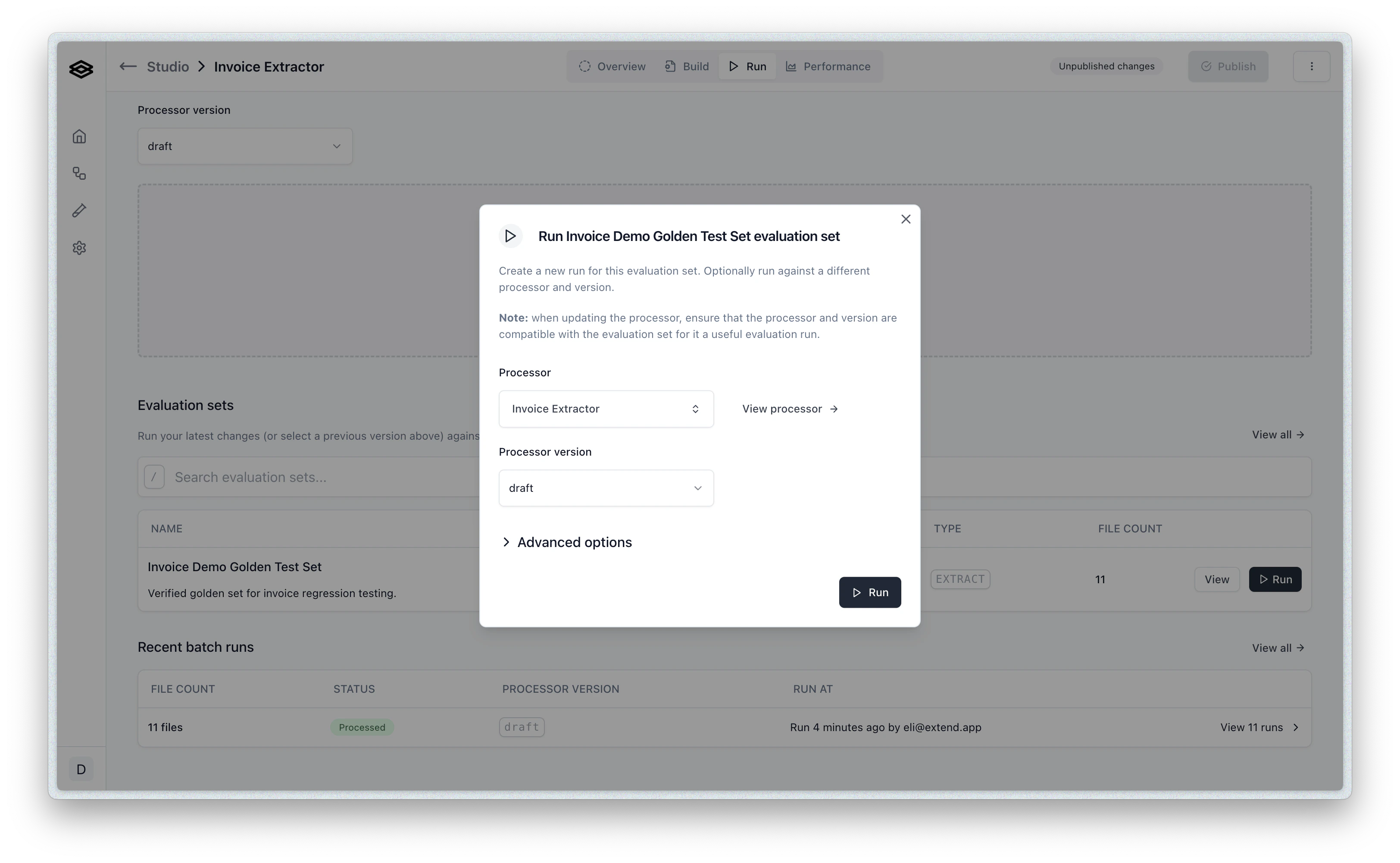
- The default options are the processor and version you selected in the run ui. You can however update the version, or the actual processor before running here.
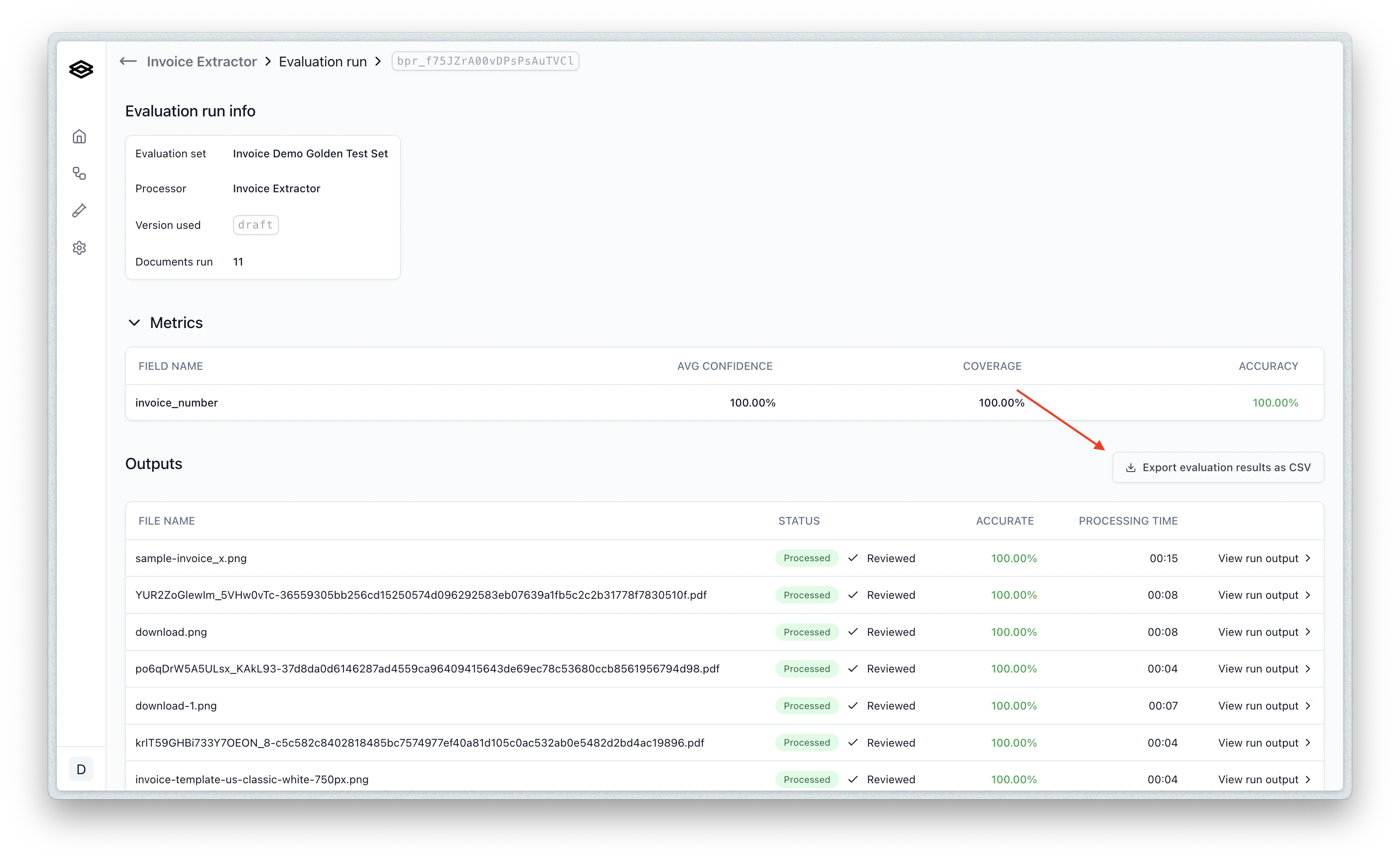
- Click “Run Evaluation” to start the evaluation. You will be redirected to the evaluation run page where you can view the progress of the evaluation.
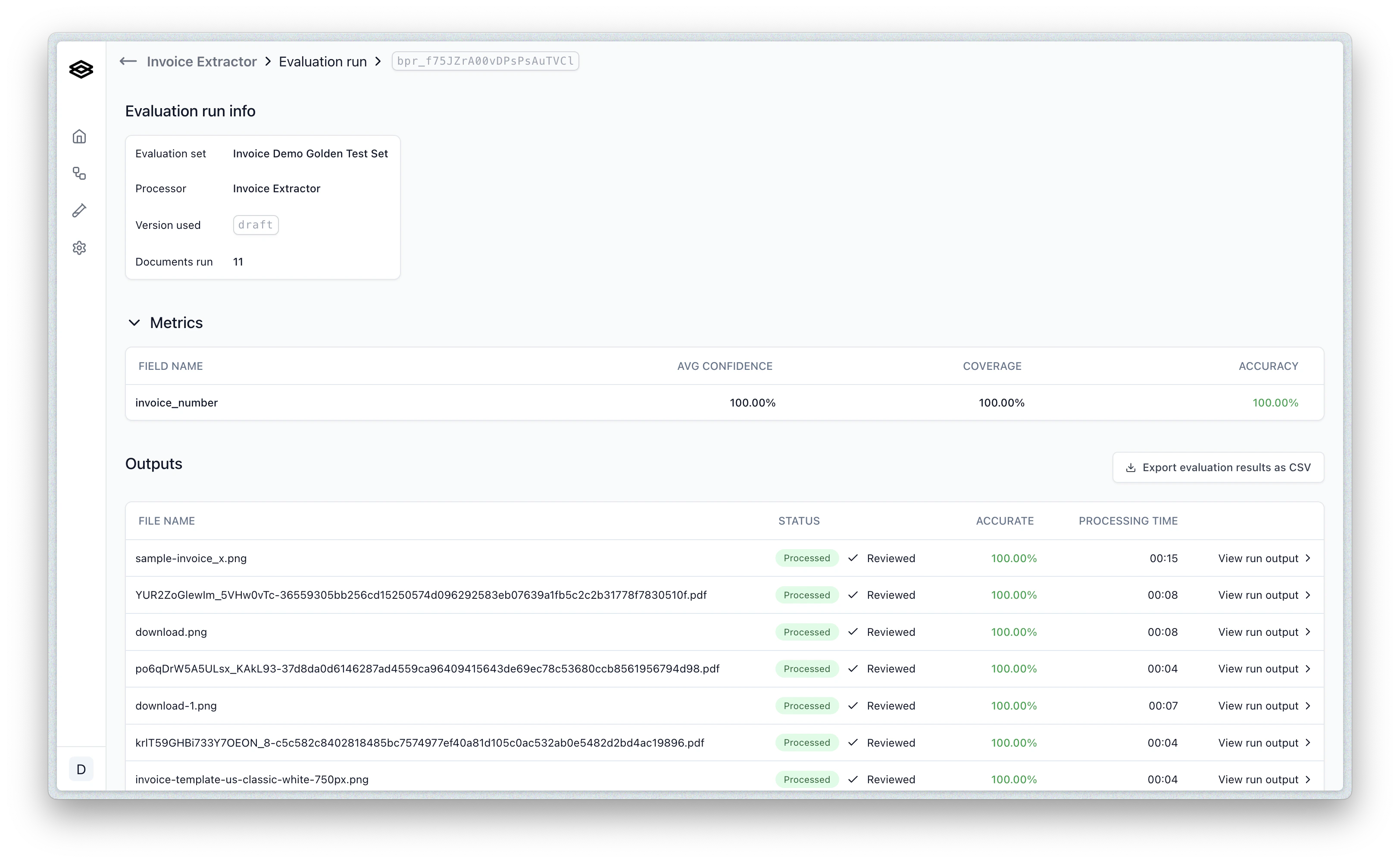
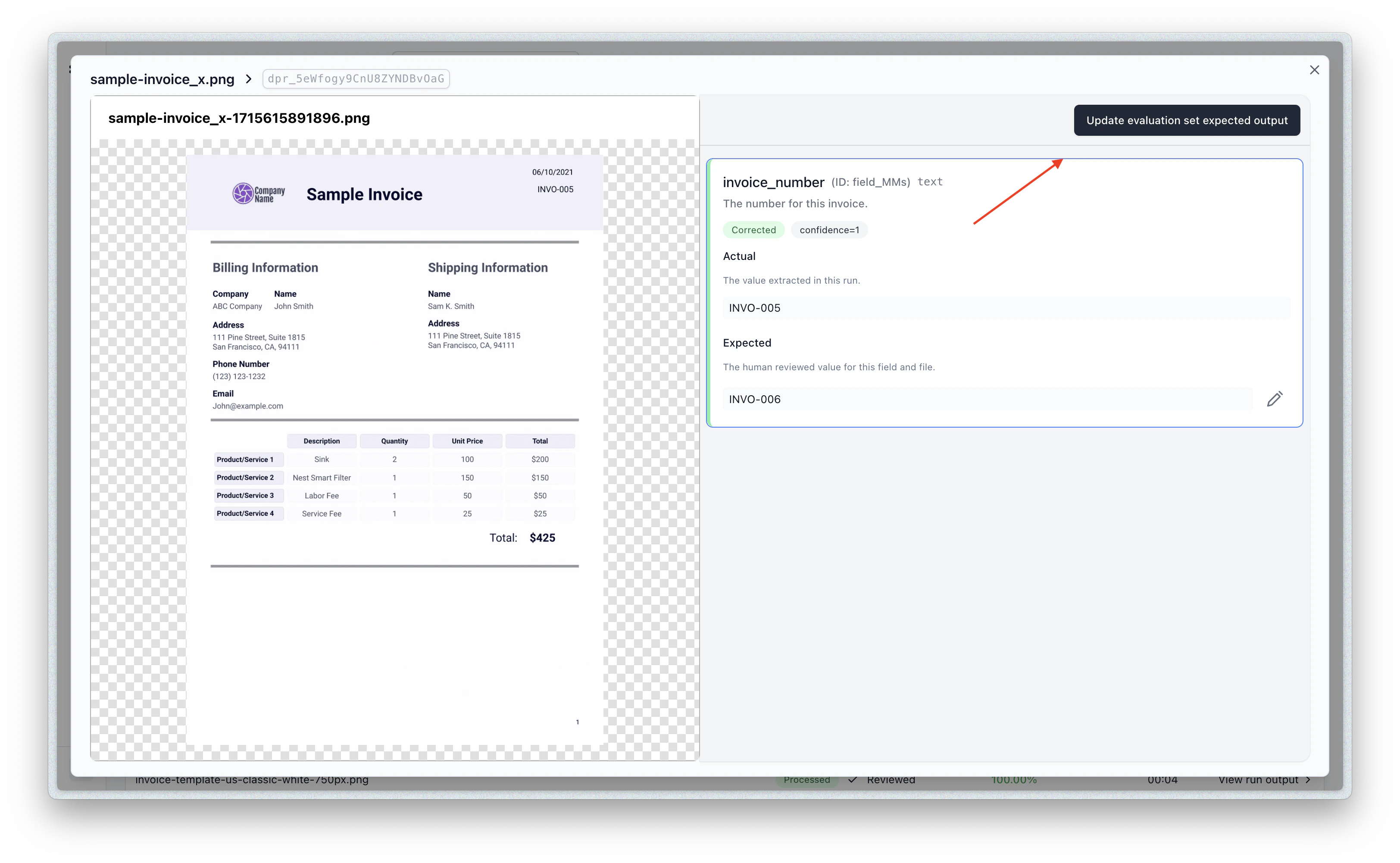
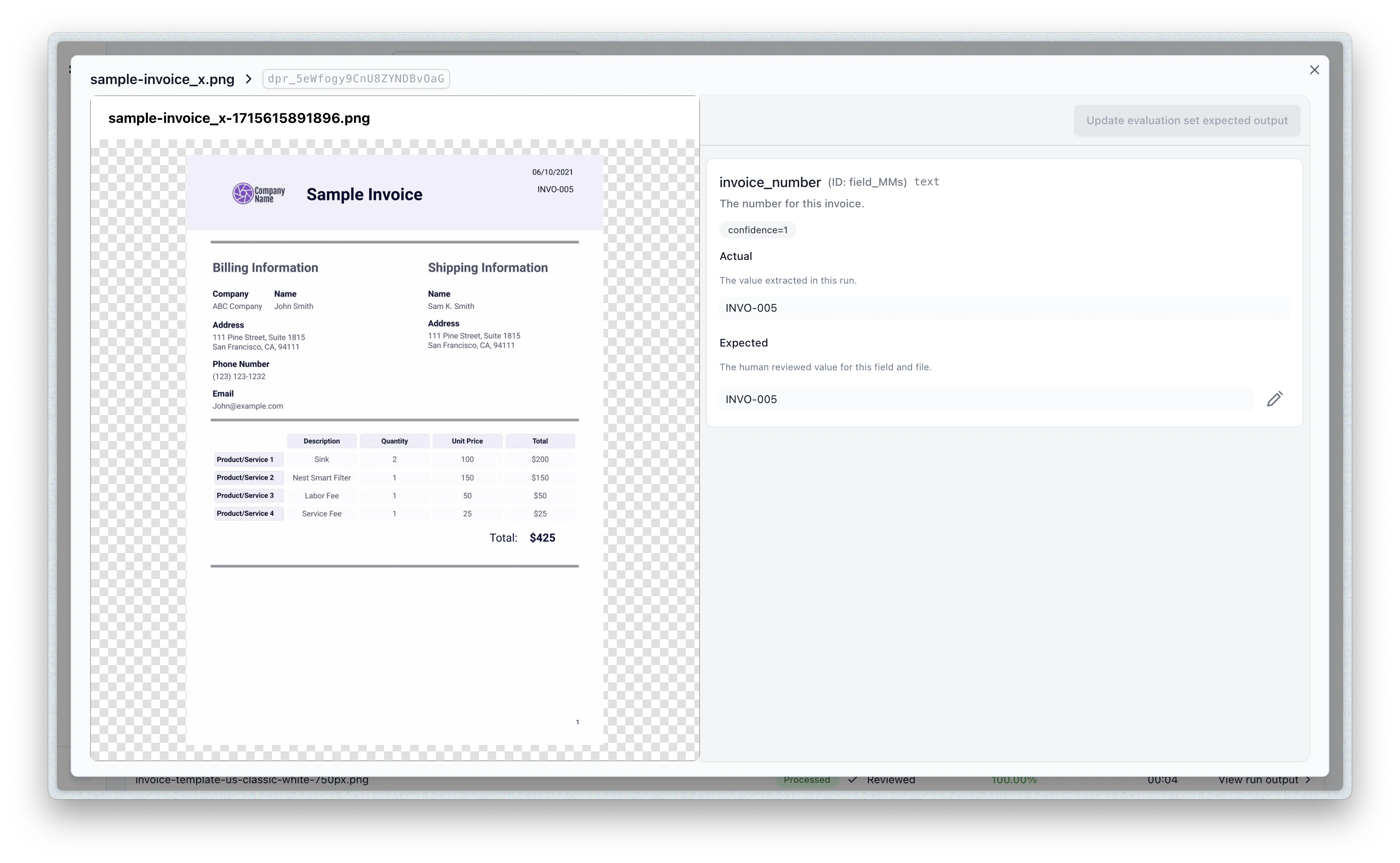
- You can click on a given row to view the details of actual vs. expected outputs for that document.
- You can also download the results of the evaluation as a CSV file by clicking the Export button:
- You can also update the eval item to take the results of the evaluation as the new expected outputs by clicking the “Update” button: